
Appmint Mobile puts the operating side of your business on a phone or tablet. It is not a companion app with a cut-down feature set — it reads and writes the same records as every other Appmint product, so a lead captured on the floor, a sale rung up at a counter and a ticket scanned at a door all land in the same place.
Your business command center. Available free on iOS and Android.
Getting it
| iOS | App Store — free |
| Requires | iOS 14.0+, iPadOS 14.0+ |
| Also runs on | Mac with Apple silicon (macOS 11+), Apple Vision |
| Android | Google Play |
It runs on iPad too. Two things differ there: iPad has no NFC reader, so staff cards need a Bluetooth reader, and the softphone's push-based call ringing is iPhone-only.
What you can do with it
Who it is for
| Role | What they use it for |
|---|---|
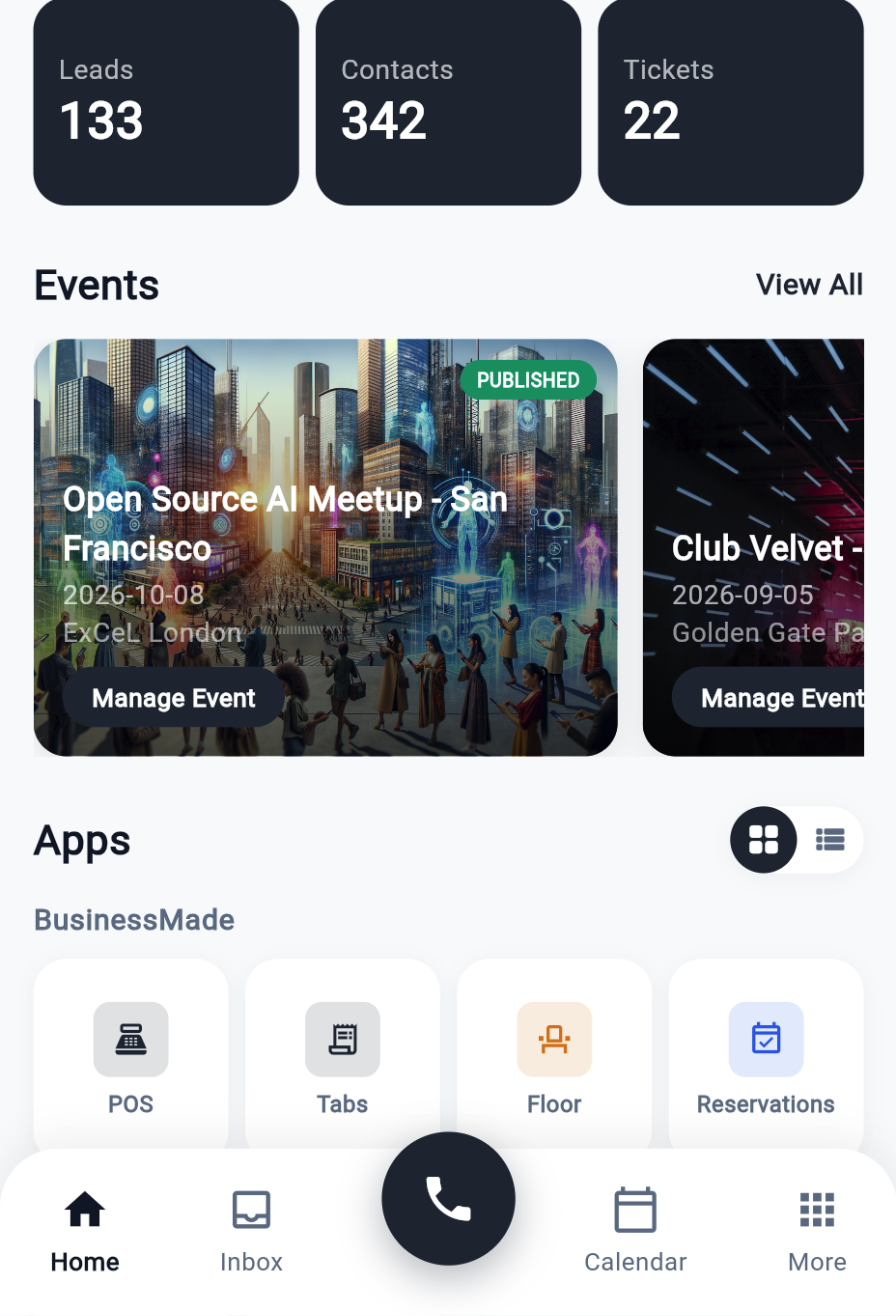
| Sales and field reps | Capture and qualify leads, log activities, schedule follow-ups, view customer history |
| Counter and floor staff | Open tabs, take payments, print receipts, seat guests, manage the queue |
| Event staff | Scan tickets, run accreditation, monitor occupancy, check participants in |
| Support and success | Unified inbox, live chat, SMS and calls from one place |
| Owners and managers | Dashboard, activity feed, approvals and performance at a glance |
Signing in
Three ways in, so a device can suit the person using it:
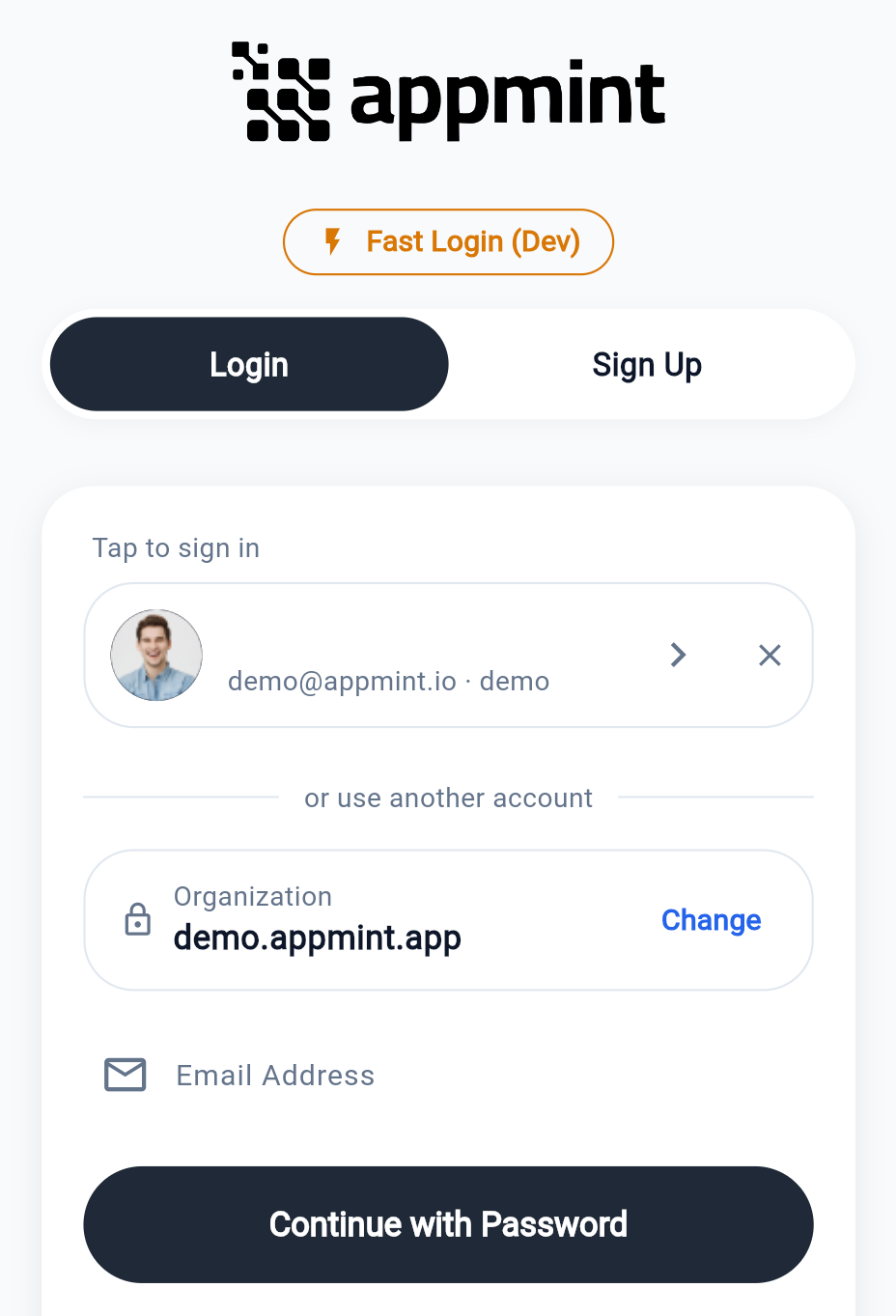
Password — email first: the app asks the server which organizations that address belongs to, then asks for the password, offering an organization picker only when there is more than one. Verification codes (two-factor, new-device) are handled here — the app asks for the code and can resend it.
Quick sign-in — a passcode or NFC staff card, intended for shared devices at a counter. Staff tap or type a short code instead of typing a full password on a busy floor. Whether a PIN is required alongside the card is an organization setting.
Saved sessions — accounts that have signed in on a device are remembered as one-tap tiles. Tapping one refreshes its token silently; if that has expired, the tile falls back to the password step.
There is no biometric unlock and no social sign-in. Tokens are held in the device's encrypted secure storage, never in plain preferences.
If your account belongs to more than one organization, you move between them by signing out and picking the other one from the saved-account list on the sign-in screen — there is no switcher inside the app, but a saved session means you rarely have to type a password to do it. What you can see and do in each is governed by your role there.
Connectivity
The app is online-first. Every screen fetches from the server when it opens and on pull-to-refresh; there is no local cache of business data and no queue of offline actions. When the network drops, a screen shows an explicit error with a retry rather than stale rows, and whatever you did in the meantime did not happen.
Card-present payments have to reach the payment processor, ticket validation has to ask the server whether a code was already used, and seating a party or settling a tab is a server call. Test coverage at the door, the far table and the storeroom, not just at reception.
Hardware it works with
Appmint Mobile talks to hardware directly over Bluetooth and USB, and to shared in-venue hardware through the device hub.
| Hardware | Used for |
|---|---|
| Receipt and thermal printers | Receipts, checks, kitchen tickets, event badges |
| Barcode and QR scanners | Ticket scanning, product lookup, inventory |
| NFC readers | Staff card sign-in and access credentials |
| Card terminals | Card-present payments |
Pairing and configuration live in the app's settings, with separate pairing screens per device class. Shared hardware — a till printer several devices send to — is reached through the device hub rather than paired to one phone.